



Inbox Folders
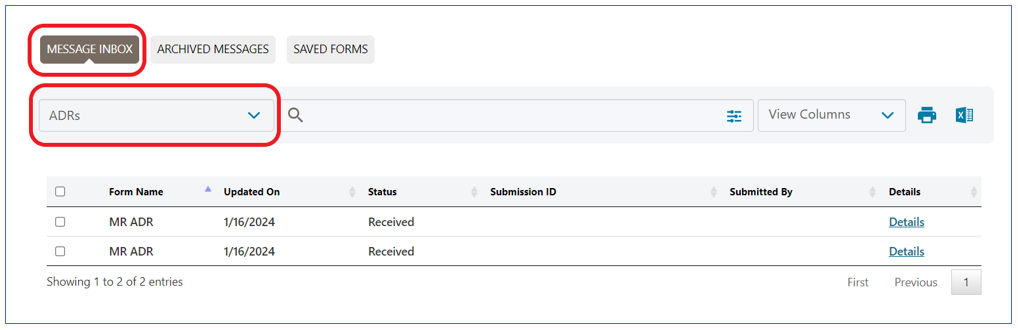
myCGS defaults to display all messages delivered to your inbox. Each message will be sorted to its corresponding folder, allowing you quick access to view a specific type of message. The folders available are:
| Inbox (All Messages) You will only see message sent through myCGS. This will not display all items in your inbox. | ADRs | Audit and Reimbursement |
| Claim Inquiries | Correspondence (Other) | Customer Service |
| Education | Financial | Medical Review |
| Prior Auth | Redeterminations | Reopening’s |
| myCGS | eLetters | Roster Bill |
To find a specific type of letter sent to your NPI, go to the appropriate folder.
For example, to find a letter sent to your NPI requesting additional documentation to complete processing of a submitted claim, go to the ADR folder. There you will find all messages that include the additional documentation/development requests sent to the NPI.
NOTE: Messages will be automatically moved to the ARCHIVED MESSAGES sub-tab after 60 days. Messages will NOT be available after 365 days.

 Join Electronic Mailing List
 Print
Print Bookmark
 Email
Email Facebook
 YouTube
 LinkedIn