



Checking Status
All users may check the status of a form submitted through myCGS from the "Get Status" button.
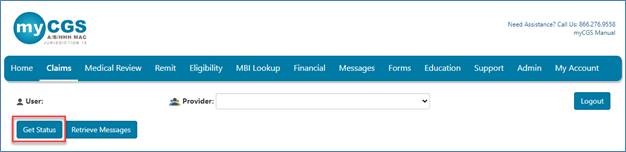
Enter the Submission ID assigned to the form for a general status. The status page will show the status of the request in addition to the details submitted on the form.
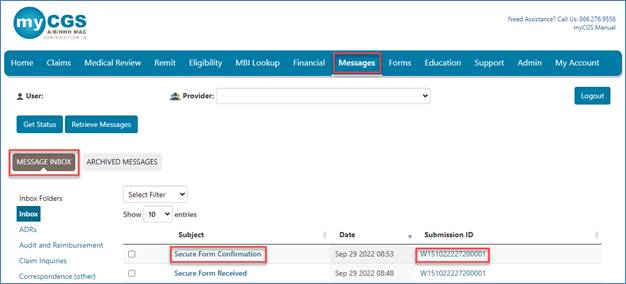
Users may also obtain a status on a request by clicking on the Submission ID located in the confirmation received in your Messages inbox. myCGS will display a general status.
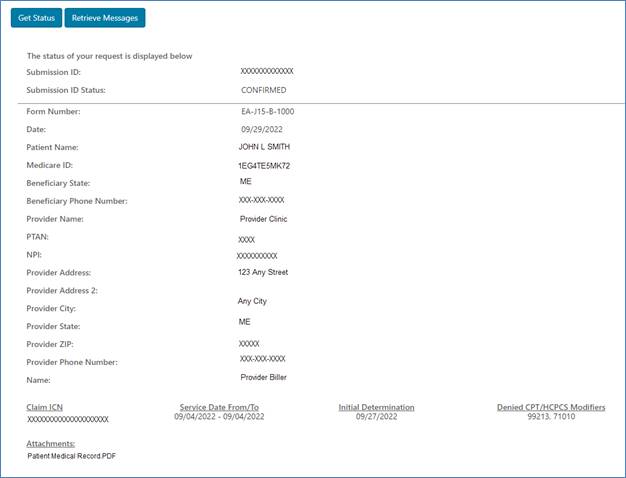
This is an example of the status for a Redetermination:

 Join Electronic Mailing List
 Print
Print Bookmark
 Email
Email Facebook
 YouTube
 LinkedIn